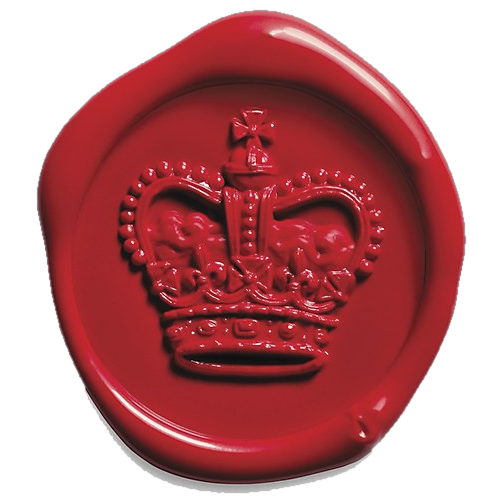
Code mark · per file
Cyril
Sealed on commit. Verified by content hash. Overlay credit goes to current signers, ranked by files.
Registration No. DA-001 · Ed25519
A vermilion stamp for the files you ship. Link GitHub once. Commit as usual. Anyone on a signed site presses Shift + D and sees the honor board: who did the most work, ranked out of 100. No source on the board. No badge clutter. Just the ledger.
Git history can get squashed or rewritten. Signatures stick to the code itself.
A pre-commit hook signs the code you push to GitHub. Move it, fork it, or rename the file. The signature still remains.
The first signed repo blocks anyone else from attaching a new repo signature until that first signature is removed.
Shift + D shows who did the most signed work, measured out of 100. Solo builders usually land at 100. Unsigned files stay listed. Source never shows on the board.
Install once. Link GitHub. Set your mark. Hooks sign on commit, publish on push, and keep the honor board current.
No floating badge. No footer sticker. The report waits behind one chord.
This page is sealed. Press the keys, or open the live report.
Waiting for Shift + D…
Cyril
100One rides each file. One claims the whole work.
Code mark · per file
Cyril
Sealed on commit. Verified by content hash. Overlay credit goes to current signers, ranked by files.
Repo mark · per project
C. Foday-Kailie
Owner signature only. Overlay shows the mark, never the repo name. First signed repo blocks a new one until that signature is removed.
Hooks detect the framework and drop the overlay into the right entry. No plugin file.
Once after install. After that, signing stays in the background.
pre-commit signs staged files and refreshes the overlay report.pre-push publishes fingerprints. Commit dev-autographs-boot.js and dev-autographs.report.json with the rest of your push.Built, designed, and maintained solo.
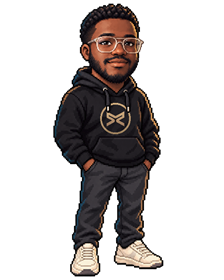
Cyril Foday-Kailie
Software engineer in St. Paul, Minnesota. Builds AI tools, data pipelines, and web apps. Got tired of watching authorship vanish the moment code left a repo.
The desk, CLI, crypto, registry, extension, this site, and Agent 589 (the pixel scout pacing here) are all his. Impressed? You know who to thank. Broken? Same person.
Drag Agent 589 onto any surface. Drop him. Tap him for a tip.
Free. Windows 10 and 11. Keys stay on your machine.
Already have the app? CLI: node paw-prints.cjs install-hooks --global